PirateBox: Offline File Share Hot-Spot Device
Published on January 6th 2026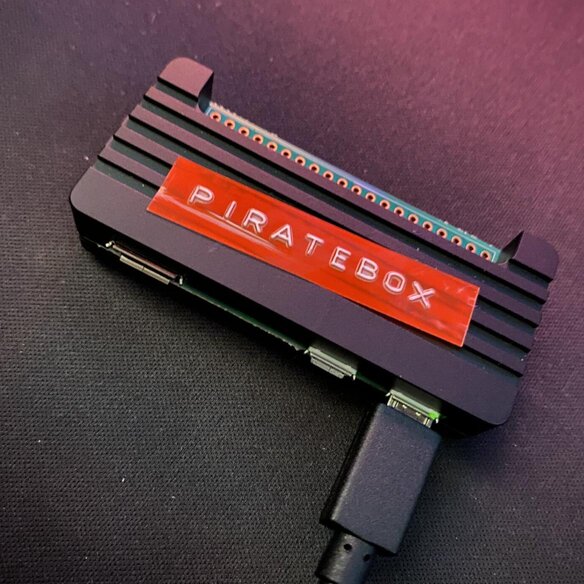
Check out the project on GitHub: PirateBox
"A PirateBox is a portable electronic device that creates a local, offline wireless network enabling anonymous file sharing and communication among users in close proximity."
Years ago, I discovered a project called PirateBox. It allowed you to convert a router (and other devices) into an offline Wi-Fi file-sharing hotspot. I remember modifying an old TP-Link travel router into a PirateBox using a tutorial from that era.
I loved the concept: a low-powered, discreet device that sparks people's curiosity when they see an open Wi-Fi access point named "PirateBox" show up on their phone. You connect to it and are immediately redirected to a page of files. Files that other curious people have uploaded. What's in them? Free movies or TV episodes? Selfies of the uploader? A note to whoever finds this?
It was fun, community-driven, and anonymous. It felt like a secret space that only a few knew about. It was like finding a USB stick on the ground: you know you shouldn't plug it in, but the curiosity is killing you.
With a Raspberry Pi Zero 2 W in hand, I checked to see if the PirateBox project was still active. Unfortunately, it had been discontinued, which ruled out simply installing the original software.
This sparked a challenge: could I replicate the PirateBox functionality from scratch? The Pi Zero is certainly capable with its built-in Wi-Fi. I knew I could use `hostapd` to create the hotspot, a method I've used on previous projects, and serve the web UI using NGINX and PHP.
The real hurdle was the "captive portal." You know the drill: connect to public Wi-Fi, and you're immediately redirected to a login page. I wanted my device to mimic this behavior, steering users straight to the PirateBox UI. To achieve this, I had to research how OS detection systems trigger that redirect.
Each operating system uses a unique method to detect captive portals. Fortunately, NGINX can intercept these specific requests. Below is an example configuration handling checks for Apple, Android, and Windows devices.
# Apple (iOS/macOS)
location = /hotspot-detect.html {
    try_files /captive.html =404;
}
location = /success.html {
    try_files /captive.html =404;
}

# Android (Google 204 check)
location = /generate_204 {
    return 204;
}

# Windows NCSI
location = /ncsi.txt {
    default_type text/plain;
    return 200 "Microsoft NCSI";
}
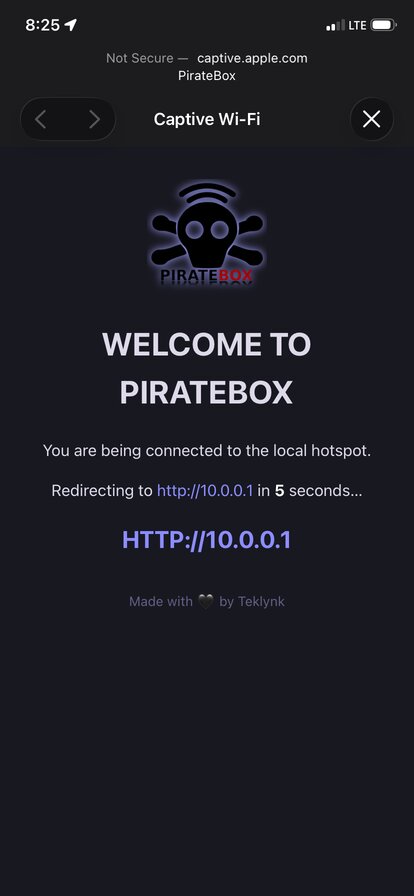
As shown above, when an Apple device requests `/hotspot-detect.html`, NGINX intercepts it and serves our custom `/captive.html` page instead. In my testing with iOS devices, this creates a seamless experience, behaving exactly like a hotel or airport hotspot.
Here is the captive portal in action on iOS:
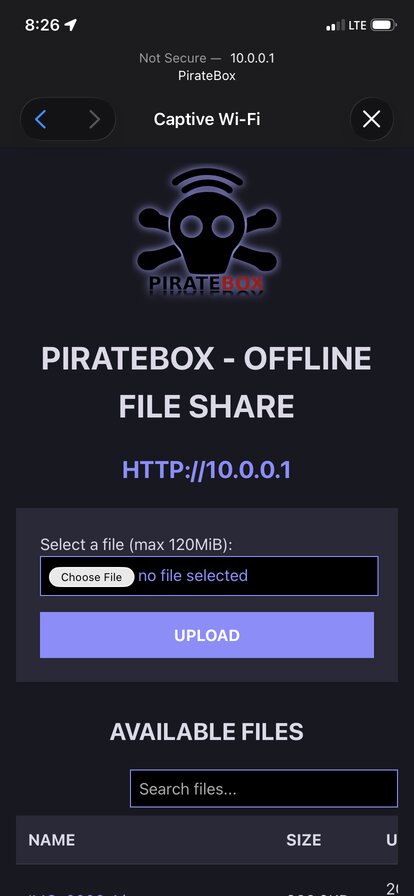
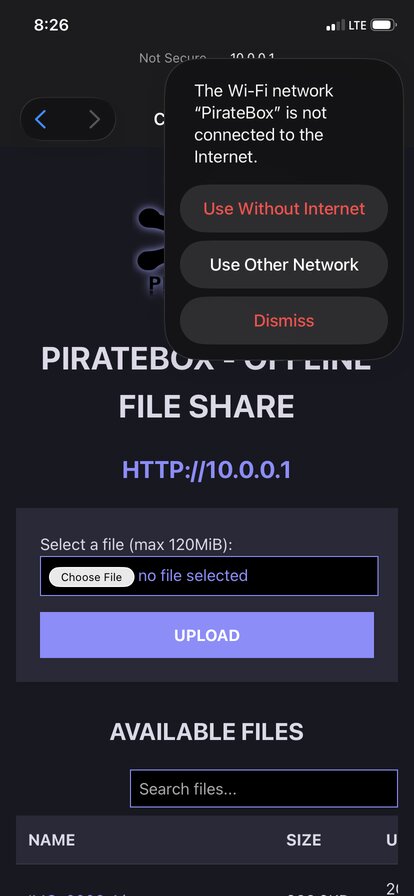
While you can navigate the PirateBox UI directly inside the captive portal, closing that window usually disconnects you from the Wi-Fi. To persist the connection, you'll need to tell your phone to stay connected despite the lack of internet access, often by tapping `Use without internet` in the top corner. Once settled, you can open your preferred browser and visit http://10.0.0.1. By design, all DNS requests resolve to this address. Remember, this is an *offline* file share, so there is no bridge to the outside internet. To leave, simply disconnect or switch networks.
Setting it all up
Some of the setup seemed trivial, but the reality involved plenty of troubleshooting. To help you out, I've organized the included files to match the Raspberry Pi's directory structure exactly. This makes it easy to locate which files to edit, or you can simply use a copy command to deploy them.
I made the PHP file uploader as secure as possible. It includes CSRF protection and filename safeguards. I also disabled many unnecessary PHP functions to harden the system. Additionally, the front-end JavaScript performs its own validation checks.
Check out the project on GitHub: PirateBox
Conclusion
This device isn't designed to serve hundreds of people at once, and its range is limited. Still, it could be a fantastic addition to a convention booth, wedding, party, or coffee shop. I can also see it working well in a vehicle. Imagine your parked car acting as a Wi-Fi file drop that travels with you. You could even connect it to a battery pack and become a walking hotspot. I am sure you can think of many more other use cases.
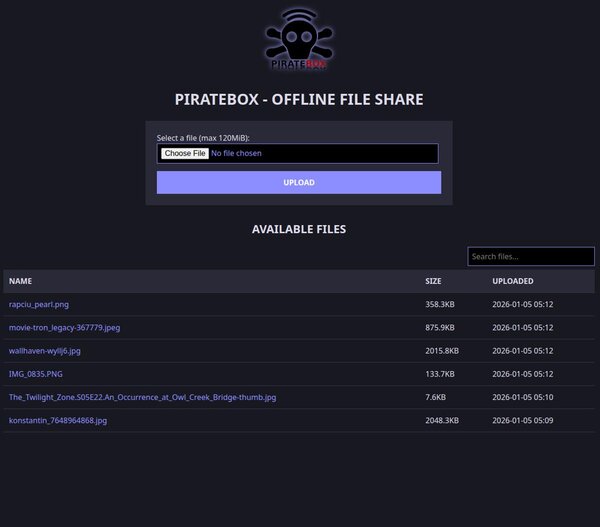
Here is the PirateBox Web UI on desktop: